
Nathan Barry
  • Home
  • Blog
  • Books & Products
  • About
Twitter YouTube Search Menu
  • Home
  • Blog
  • Books & Products
  • About
Twitter YouTube

January 9, 2014 - Design

Using Shapes & Paths in Photoshop

Last week I covered the tools to get started using Photoshop to design interfaces and this week I want to take it a bit further. Since my new course, Photoshop for Interface Design, is all video I figured these next tutorials should give you a sample.

First, a bit about the course.

This coming Tuesday (January 14th, 2014) I am releasing the beta of Photoshop for Interface Design. My solution for the thousands of software and web professionals who want to learn Photoshop, but don’t want to have to wade through print and photography tutorials.

Because this is a beta release (I want feedback before the full launch) the course will only be available for sale for 24 hours. After that I am taking it offline for a month or so while I incorporate all the feedback. But just because it’s a beta, doesn’t mean there isn’t a ton of awesome content! So far there are over 4 hours of video training included in the course.

I’ve been designing, recording, and editing like crazy to get this finished for you! Here’s a photo my wife took of me while taking a break from recording today.
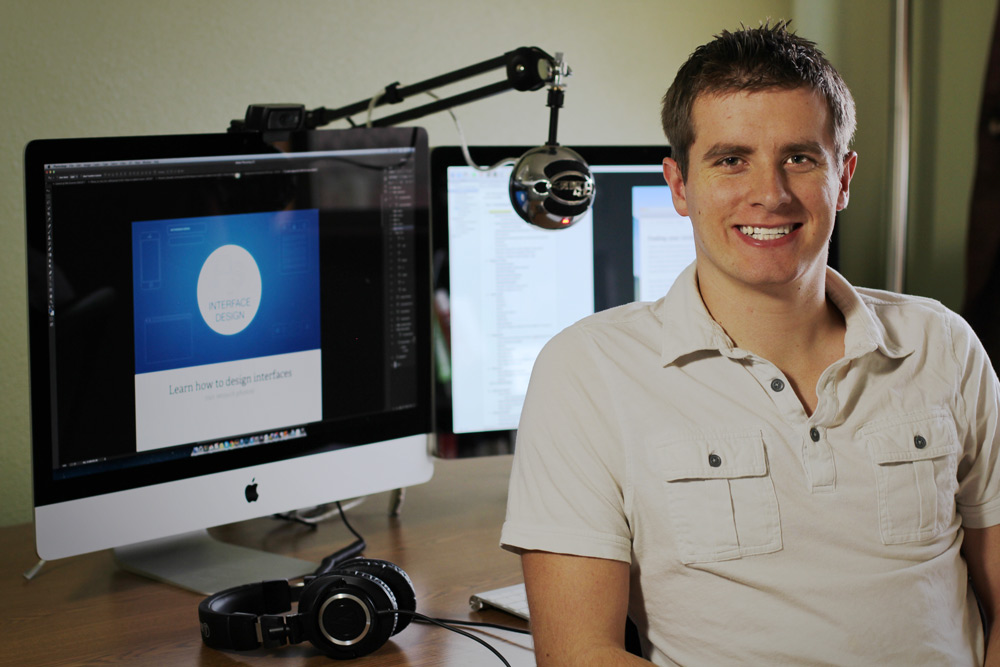
Nathan-Recording


Now let’s jump into a few lessons from the course.

Using layer masks and layer clipping

These are techniques I use in just about every Photoshop design. You can accomplish the same thing multiple ways, so this video should help you learn when to use each method.

Using option + shift with free transform

This is one of my favorite little tricks that can save a ton of time!

Drawing a pie chart

Now there are tons of reasons you shouldn’t use pie charts to display data, but chances are, if you work for another company, you’re going to have to design one at some point. So why not take that opportunity to learn some new Photoshop skills?

Learn more about the course

If you enjoyed these videos, sign up to hear when the course launches on Tuesday:


Photoshop for Interface Design

I’m Nathan Barry. I’m a creator, author, speaker, blogger, designer, and the founder of Kit.

more about me

Join the Newsletter

Every Tuesday, I send out my weekly newsletter
 and latest blog posts. Subscribe to stay in the loop.

Subscribe to get my best content. No spam, ever. Unsubscribe at any time.

You might also like...

more recent articles
February 3, 2020 - Business, Design

The magical combination of teaching and storytelling

read more
December 10, 2019 - Design, Life

I built a tiny house!

read more

5 Responses to “Using Shapes & Paths in Photoshop”

  1. Abhijit

    January 9, 2014

    The videos are very informative. Thanks for sharing Nathan.

    reply
  2. Deyson

    January 10, 2014

    Great work Nathan! :)

    reply
  3. Leslie

    January 13, 2014

    I am really looking forward to this course- it sounds like exactly what I want. I want to transition from Visio to Photoshop, for designing interfaces!

    reply
  4. Kiril

    February 3, 2014

    Thanks for sharing – great tips. Just one suggestion – it could be very useful if you add the shortcuts for PC in a text box or comic bubble.

    reply

Trackbacks

  1. How To Stop Design Guesswork | Studio Fellow Blog says:
    April 23, 2014 at 8:03 am

    […] Photoshop, and the topics covered are nearly identical to what I’d recommend (samples here and […]

    Reply

Leave a Reply to How To Stop Design Guesswork | Studio Fellow Blog Cancel reply

Subscribe to get my weekly newsletter.

Nathan Barry

© Copyright 2025 Nathan Barry.
All rights reserved | Privacy Policy

Categories

  • Audience Building
  • Business
  • Design
  • Investments
  • Learning
  • Life
  • Local (Boise, Idaho)
  • Marketing
  • Mobile
  • OneVoice
  • Podcast
  • Security
  • Social
  • The Web App Challenge
  • Travel
  • Uncategorized
  • WordPress

Products

  • Designing Web Applications
  • The App Design Handbook
  • Authority
  • Photoshop for Web Design
  • Commit
  • Kit
  • How I Made $19,000 on the App Store While Learning to Code
  • One Year After Quitting My Job
  • Starting The Web App Challenge: From Zero to $5,000/month In 6 Months
  • User Experience Lessons From the New Facebook iOS App
  • Step-By-Step Landing Page Copywriting
  • Designing Buttons in iOS 5
  • The Best Marketing Method I Know
  • On Design Approval and Intentional Flaws
Nathan Barry

© Copyright 2025 Nathan Barry.
All rights reserved | Privacy Policy